
If you want to know the list of available shells on your macOS (Catalina, Mojave, Big Sur) you can try the command cat /etc/shells, this will print list of all shells that are available,
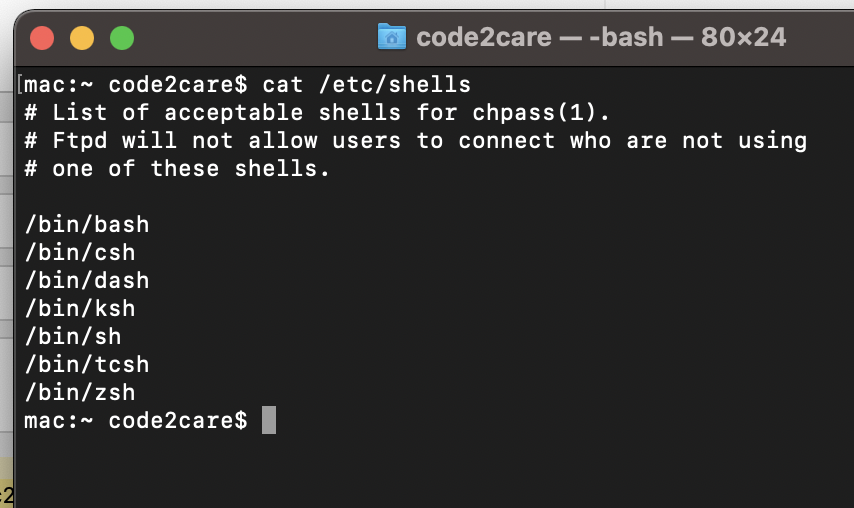
mac:~ code2care$ cat /etc/shells
# List of acceptable shells for chpass(1).
# Ftpd will not allow users to connect who are not using
# one of these shells.

/bin/bash
/bin/csh
/bin/dash
/bin/ksh
/bin/sh
/bin/tcsh
/bin/zsh
✏️ Z Shell (Zsh) is the default. shell shipped since macOS Catalina and BigSur
How to switch between shells in macOS?
Simply type the shell name on the prompt.
code2care@mac ~ % bash

The default interactive shell is now zsh.
To update your account to use zsh, please run `chsh -s /bin/zsh`.
For more details, please visit https://support.apple.com/kb/HT208050.

bash-3.2$ csh

[mac:~] code2care% dash

$ ksh

$ sh

sh-3.2$ tcsh

[mac:~] code2care% zsh

code2care@mac ~ % Provide Feedback For This Article
We take your feedback seriously and use it to improve our content. Thank you for helping us serve you better!
😊 Thanks for your time, your feedback has been registered!
Comments & Discussion
Facing issues? Have questions? Post them here! We're happy to help!