
Working with MySQL on Terminal (Command Line or another console) is one of the ways many developers prefer to access the Database servers, at times one might want to flush the screen and then run the SQL statement, cls or clear commands won't work, let's see how to do it,
mysql> mysql> select *
    -> from my_table
    -> where name='abc';


mysql> \! clear
You can make use of the command "\! clear", backslash and exclamation is can be used in terminal to clear system shell commands.
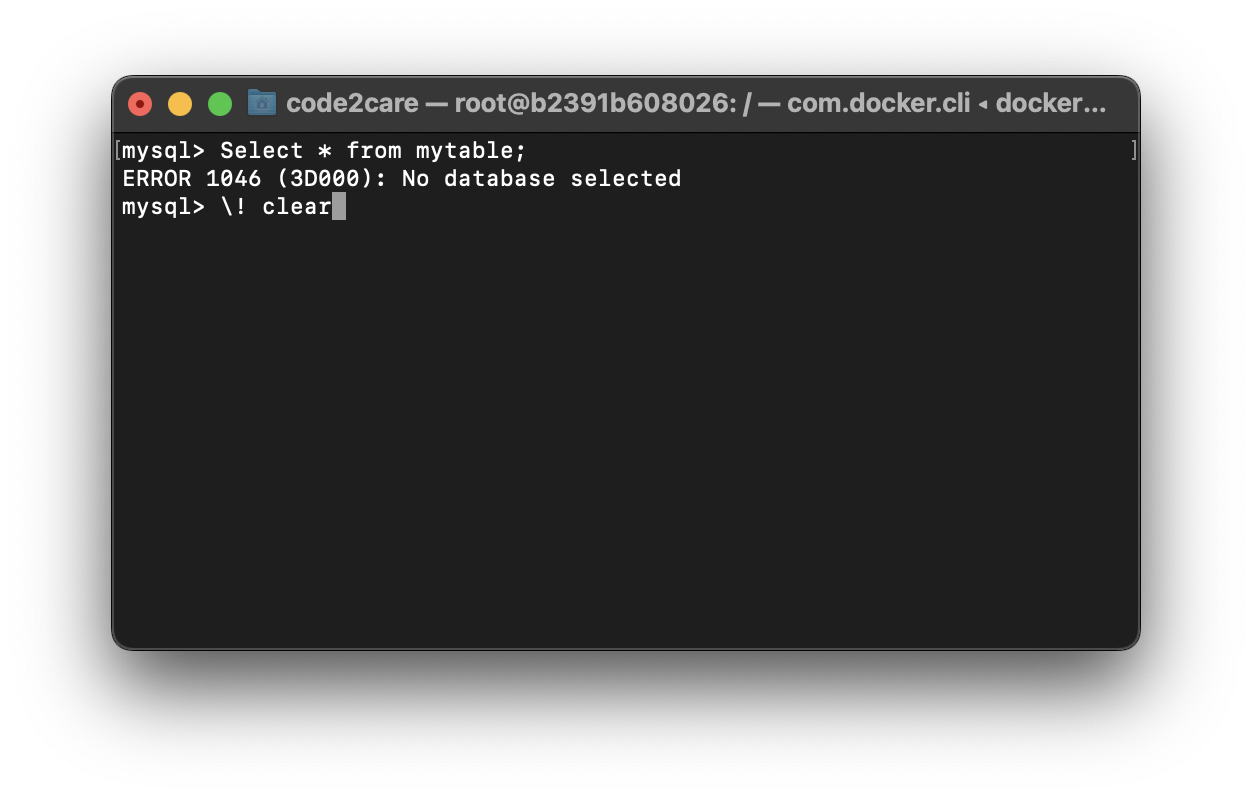
There is another way, if you want to just clear one command executed at a time, you can make use of Command + L on macOS, Control + L on Linux devices like Ubuntu,
Provide Feedback For This Article
We take your feedback seriously and use it to improve our content. Thank you for helping us serve you better!
😊 Thanks for your time, your feedback has been registered!
Comments & Discussion
Facing issues? Have questions? Post them here! We're happy to help!