
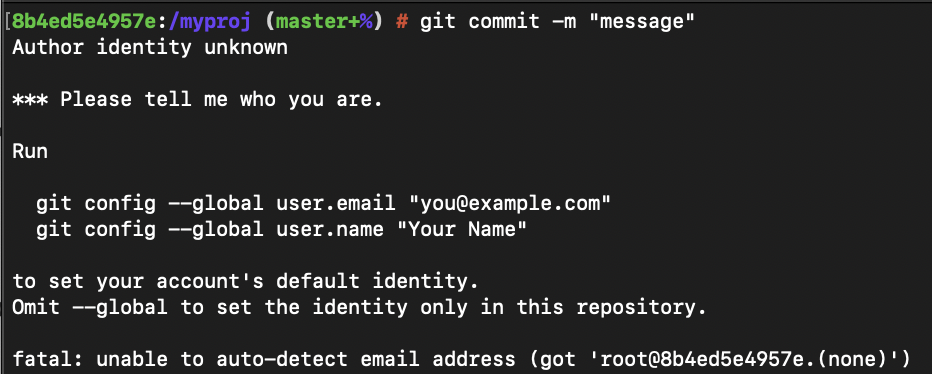
# git commit -m "Initial commit"

Author identity unknown

*** Please tell me who you are.

Run

  git config --global user.email "you@example.com"
  git config --global user.name "Your Name"

to set your account's default identity.
Omit --global to set the identity only in this repository.

fatal: unable to auto-detect email address (got 'root@8b4ed5e4957e.(none)')
If you are trying to commit code to your git repository and you get Author identity unknown, then simply follow the two command instructions displayed.
Step 1: set user emailIn the terminal run the below command with your email id for git,
git config --global user.email "you@example.com"In the terminal run the below command with your email id for git,
git config --global user.name "user name"Now try to do a commit on your local branch,
% git commit -m "initial commit"
[master (root-commit) 3ebcd44] initial commit
 1 file changed, 0 insertions(+), 0 deletions(-)
create mode 100644 MyClass.javaProvide Feedback For This Article
We take your feedback seriously and use it to improve our content. Thank you for helping us serve you better!
😊 Thanks for your time, your feedback has been registered!
Comments & Discussion
Facing issues? Have questions? Post them here! We're happy to help!