
% docker rm 9f02645eac99
Error response from daemon: You cannot remove a running container 9f02645eac.
Stop the container before attempting removal or force remove.
If you get an error from docker daemon while trying to stop a docker container saying Stop the container before attempting removal, it means that the container that you are trying to remove is still running and you need to stop it first,
How to stop a running docker container?
You can stop a docker container by its name or Container ID using the docker stop command,
% docker stop 9f02645eac99 How to force remove a running docker container?
To force remove a docker container make use of the -f or --force option along with the docker rm command,
% docker rm -f 9f02645eac99
9f02645eac99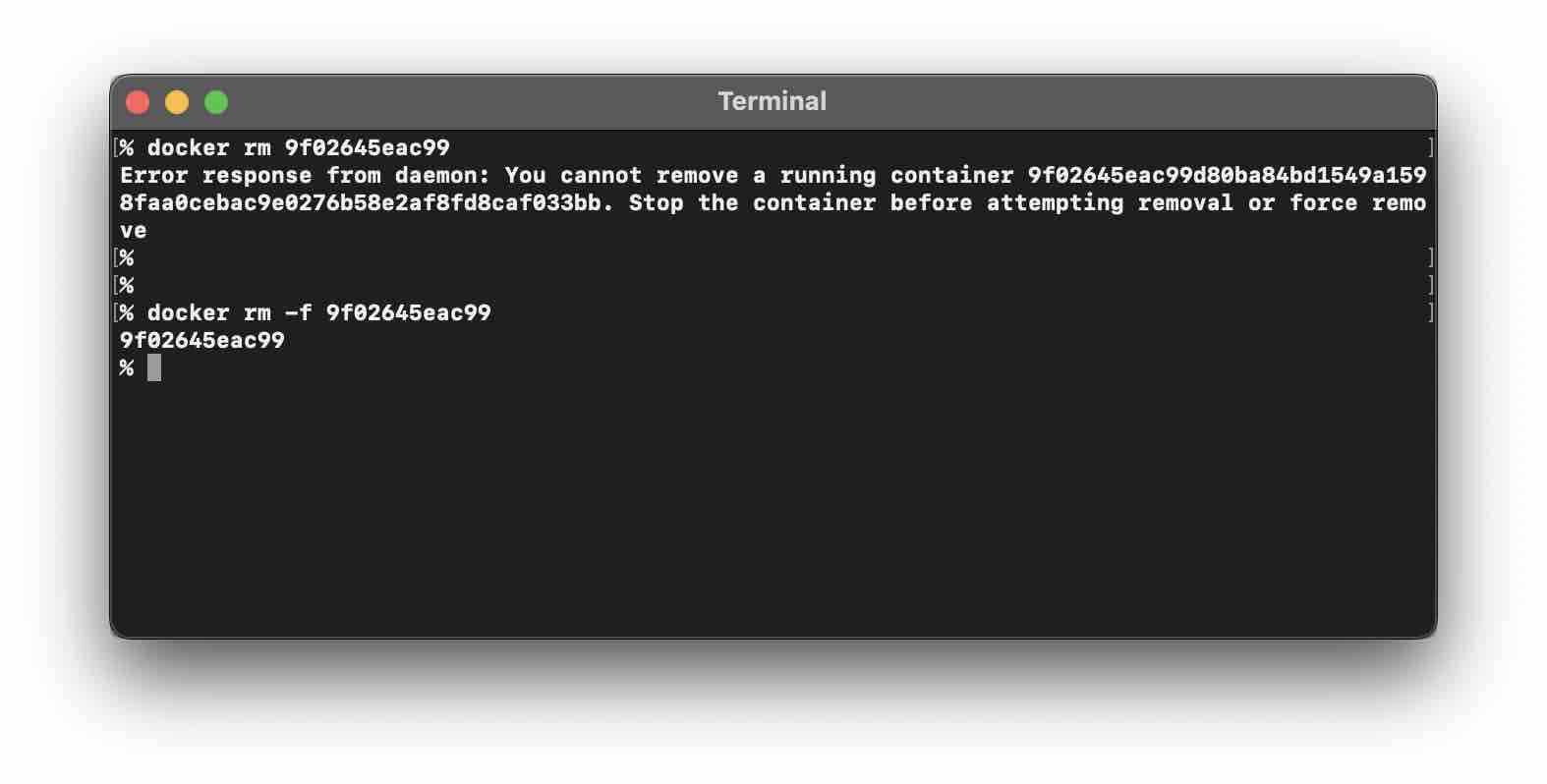
Provide Feedback For This Article
We take your feedback seriously and use it to improve our content. Thank you for helping us serve you better!
😊 Thanks for your time, your feedback has been registered!
Comments & Discussion
Facing issues? Have questions? Post them here! We're happy to help!